


I see this mix-up almost every week.
An OEM buyer or product designer reaches out to us for a quote, using the terms “graphic overlay” and “membrane switch” as if they mean the exact same thing.
Let me clear this up right away: they don’t. In our industry, treating these two components as identical is one of the most common—and expensive—mistakes you can make during the sourcing process. Here at the BX-PANEL factory in Xiamen, my team and I spend a lot of time helping clients fix this exact confusion.
Let’s break down the actual engineering differences so you can get your RFQs right the first time.
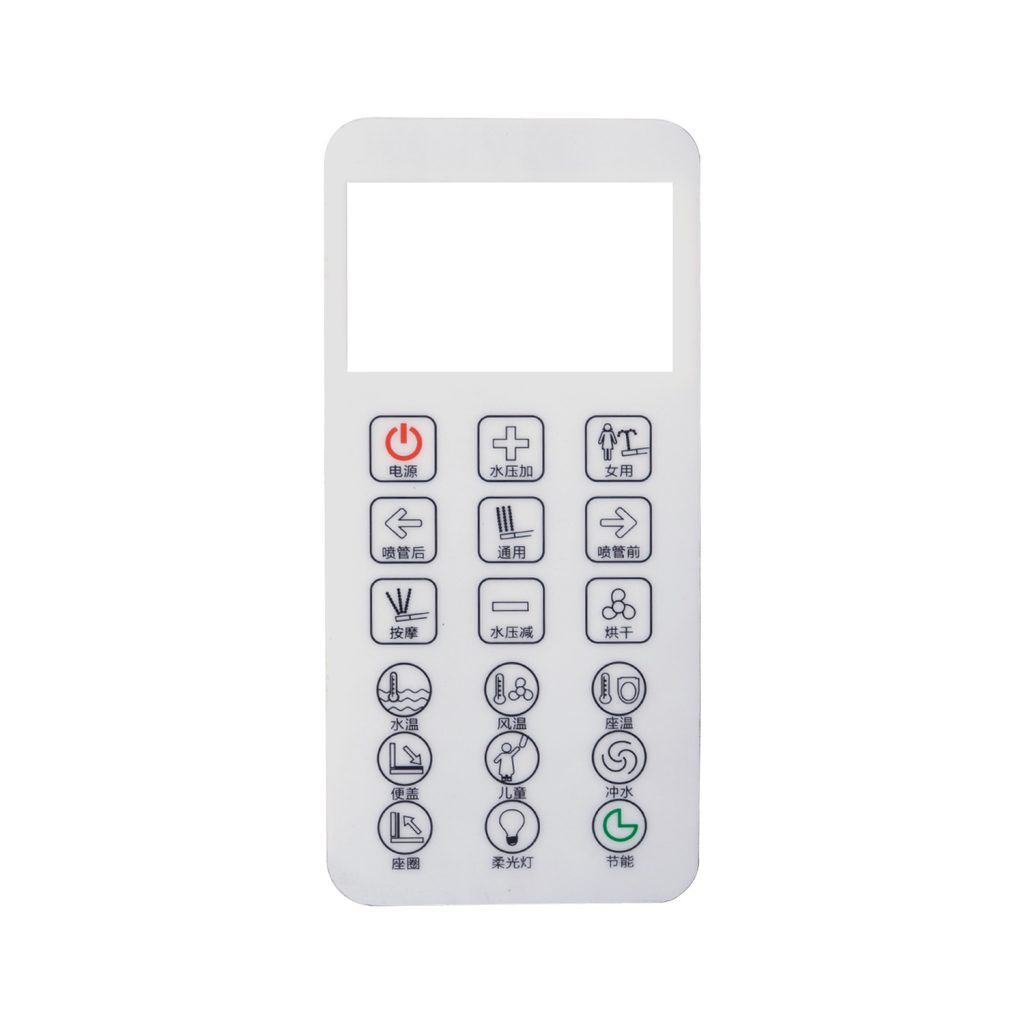
Graphic Overlays: Just the “Face” of the Device
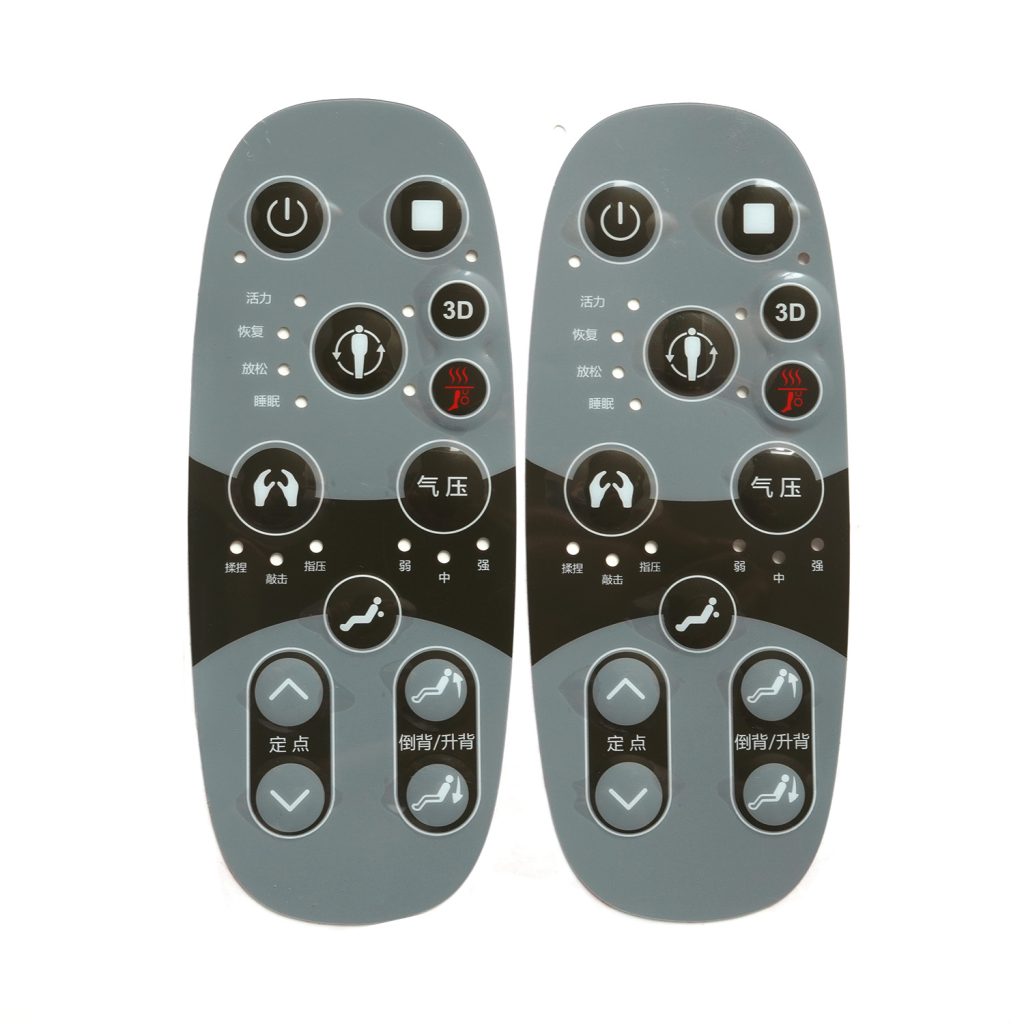
Think of a graphic overlay as the skin of your product. It looks great, it protects what’s underneath, but it doesn’t actually do anything electrically.
If you peel back a graphic overlay, you won’t find any wires, circuits, or silver traces. It’s simply a high-quality piece of printed plastic—usually polyester (PET) or polycarbonate (PC)—with some adhesive on the back.
We typically manufacture these when a client needs:
- A branded, cosmetic front panel.
- Clear windows for LCD or LED screens.
- Protection against scratches, chemicals, or UV light.
- Embossed areas that sit on top of existing mechanical buttons.
In short: It’s purely aesthetic and protective. It cannot send a signal to your machine.
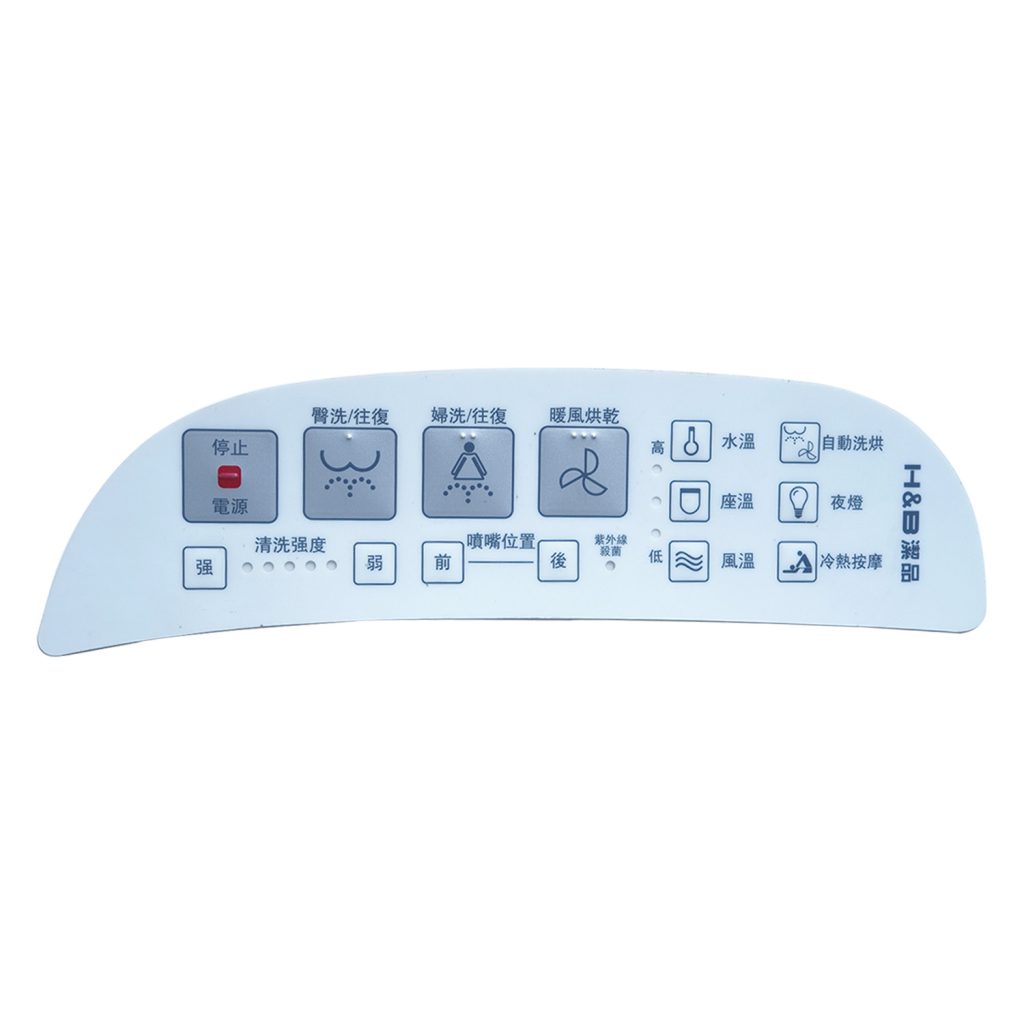
Membrane Switches: The Complete Package
A membrane switch, on the other hand, is the whole package—the skin, the bones, and the nervous system.
It actually includes the graphic overlay as its top layer, but it adds several crucial functional layers underneath:
- The Circuit Layer: Printed with conductive silver or carbon inks.
- The Spacer Layer: To keep the circuits separated until you press a button.
- Tactile Feedback (Optional): Metal domes embedded inside so the user feels a “click.”
- The Tail/Connector: To plug directly into your motherboard.
When you press a button on a membrane switch, you are closing an electrical circuit. It’s an active, fully functional keypad.
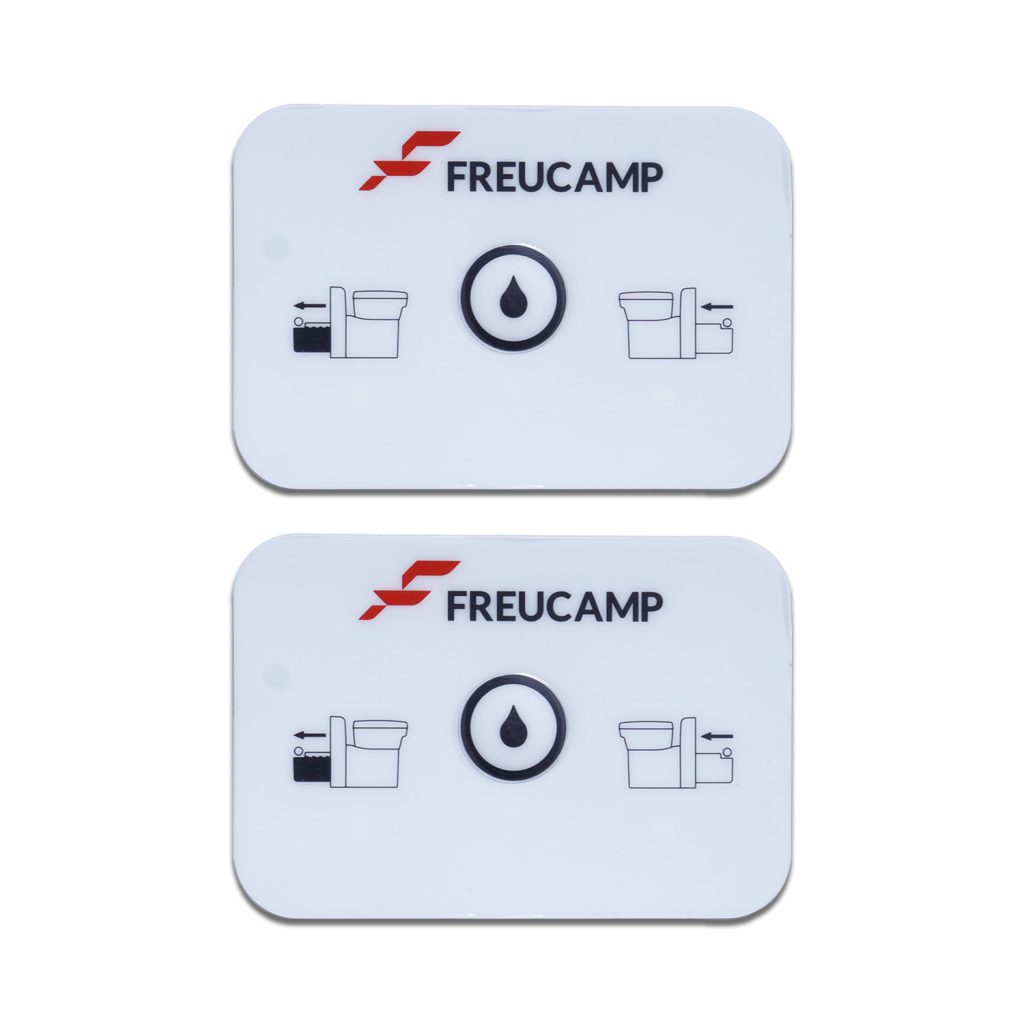
The Cost of Confusing the Two (A Real-World Example)
Here is why getting the terminology right matters.
Let’s say you send an RFQ asking for “2,000 graphic overlays.” A supplier quotes you based on exactly what you asked for: a single layer of printed PET. The price looks incredibly low, so you approve it.
When the parts arrive on your assembly line, your engineers realize there are no circuits or connectors. You actually needed a full membrane switch assembly.
What happens next? You have to start over. That means new CAD drawings, new tooling fees, and worst of all, a 6-to-8-week delay in your production schedule. I’ve seen this happen to seasoned buyers, and it’s a painful mistake.
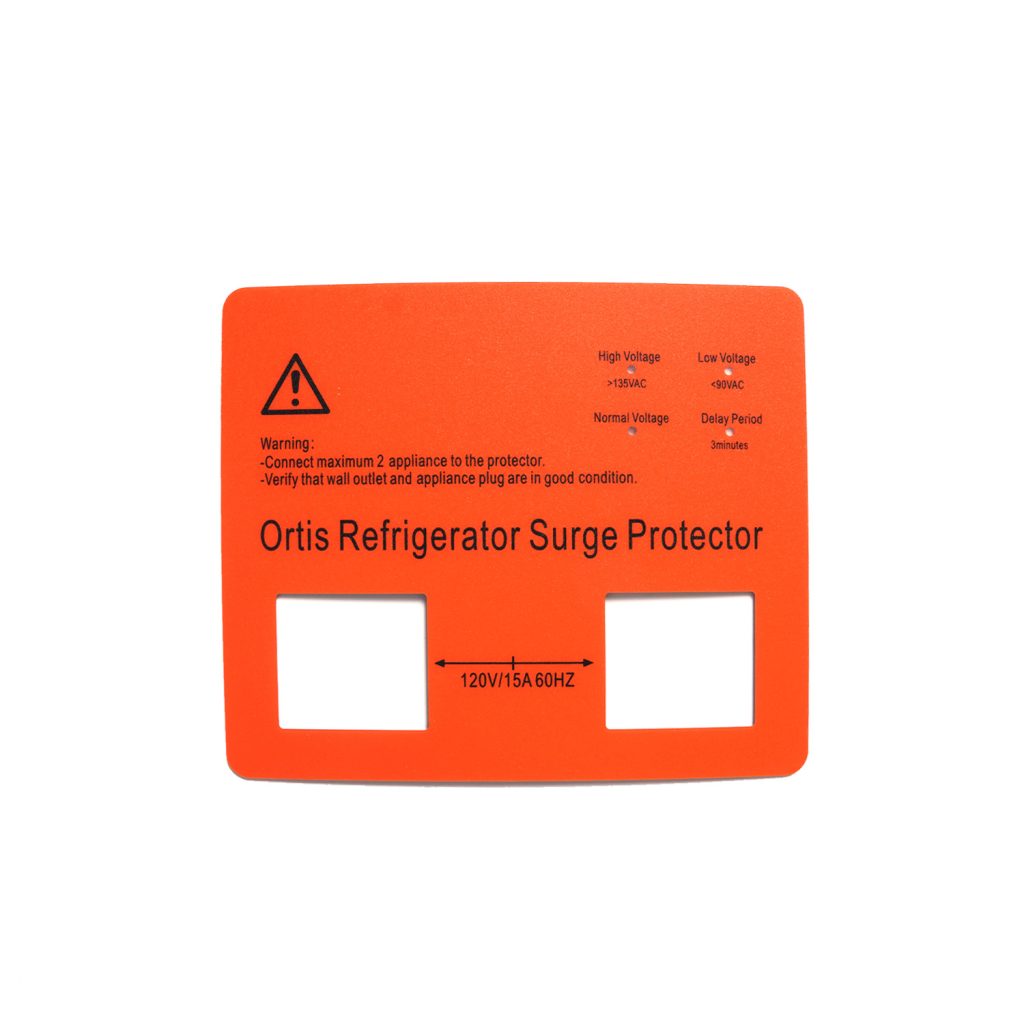
Quick Comparison: Which Do You Actually Need?
To make it easy, I always tell our clients to ask themselves one question: “Does this part need to trigger an electronic action by itself?”
| If your project requires… | You need a: |
| Just a protective sticker to go over existing mechanical push-buttons. | Graphic Overlay |
| A flat, sealed keypad that plugs into a circuit board to control the machine. | Membrane Switch |
| Only visual branding, warning labels, or transparent screen windows. | Graphic Overlay |
| Tactile metal domes, embedded LEDs, and water/dust resistance (IP65+). | Membrane Switch |
The Bottom Line
A graphic overlay is a passive label; a membrane switch is an active input device. Understanding this distinction will make your RFQs tighter, your communication with suppliers smoother, and your budget much safer.
If you’re still not 100% sure which solution fits your current build, don’t guess.
With nearly 10 years of experience and a 100-person production team handling both technologies every day, we can point you in the right direction. Just send your CAD files or rough design concepts to us at BX-PANEL, and we’ll review them together.
Let’s get your interface built right the first time.
Reach out to my team directly:
🌐 Website: www.bx-panel.com
📧 Email: [email protected]
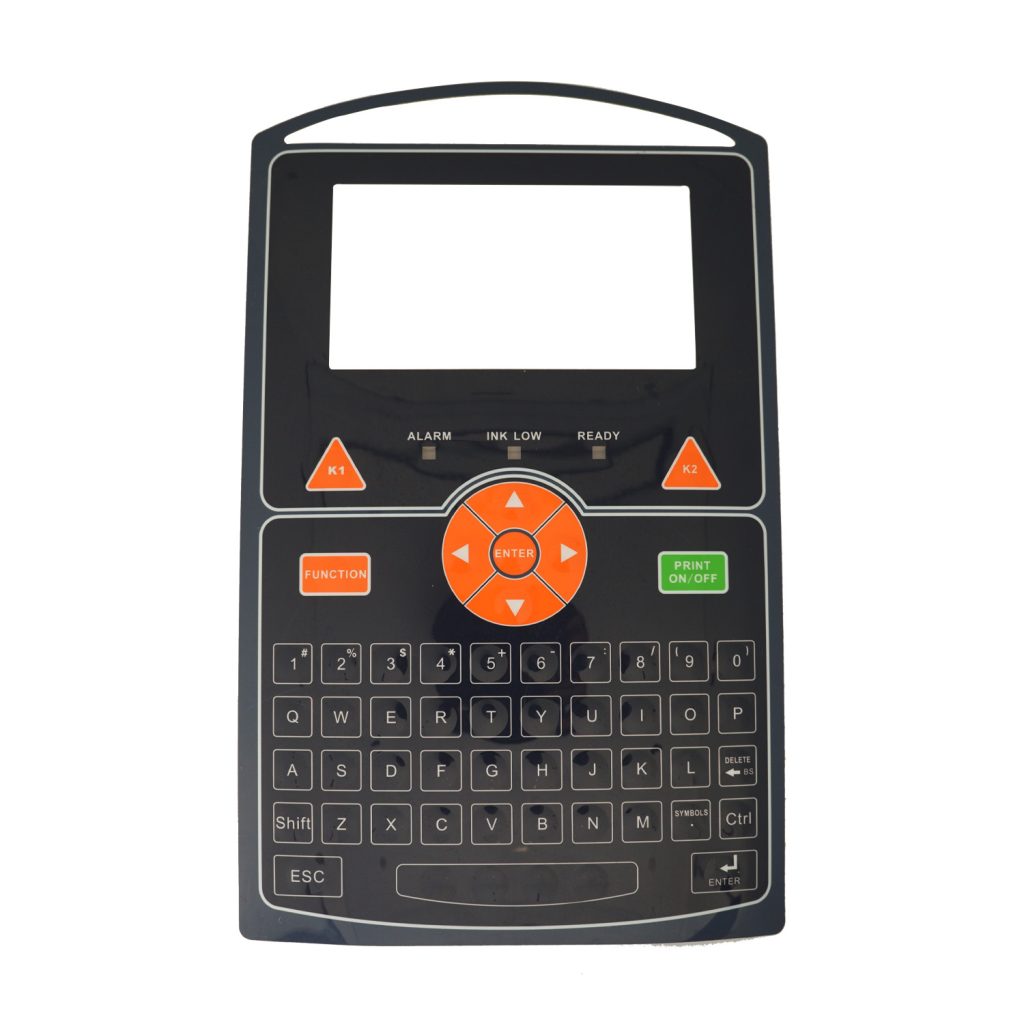
Industrial Graphic Overlay Panel